
VBCM: Chemical Management App Setup on Tablet
Last updated: Feb 17, 2021
152
views

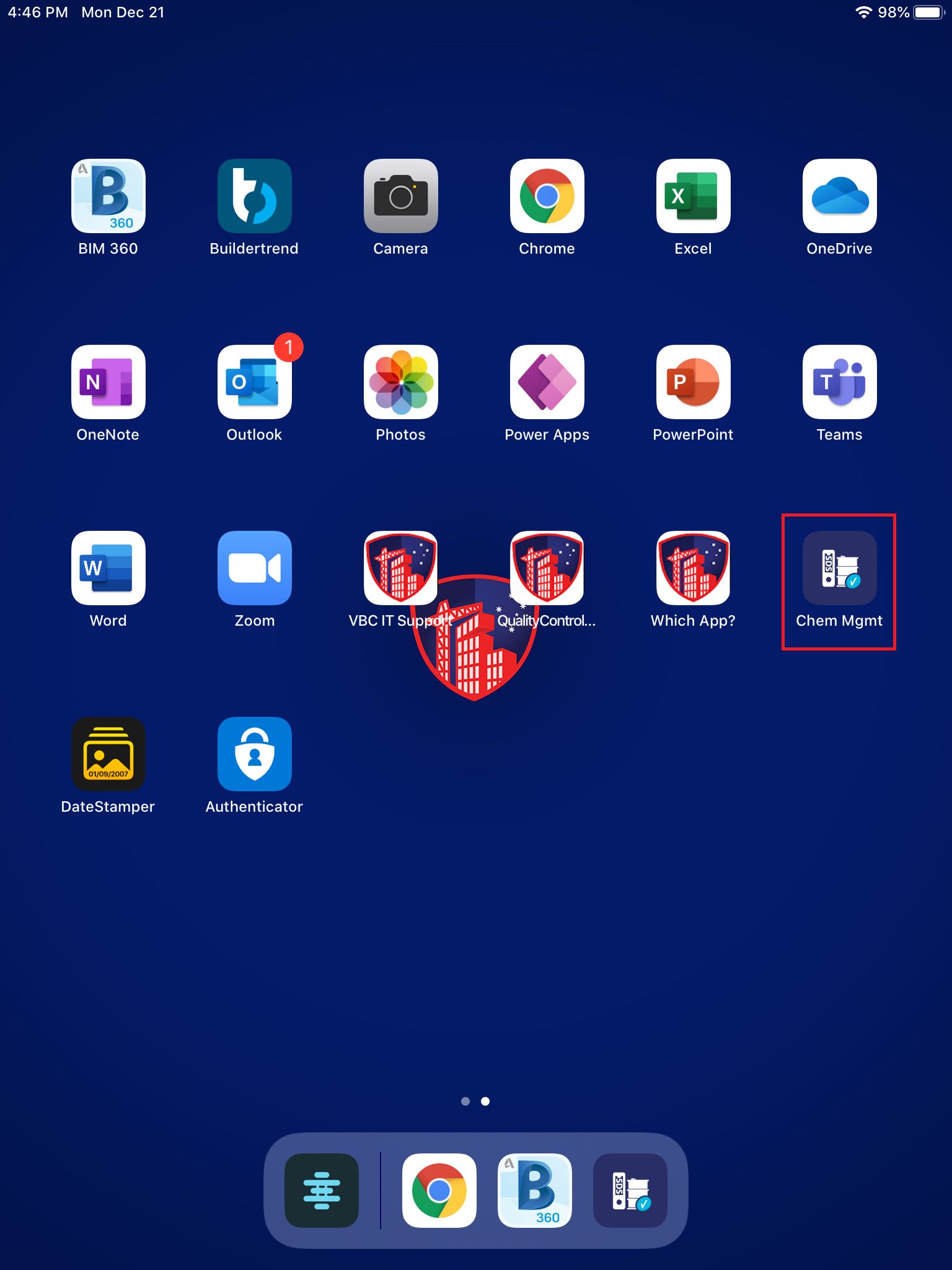
- Tap on Chem Mgmt.
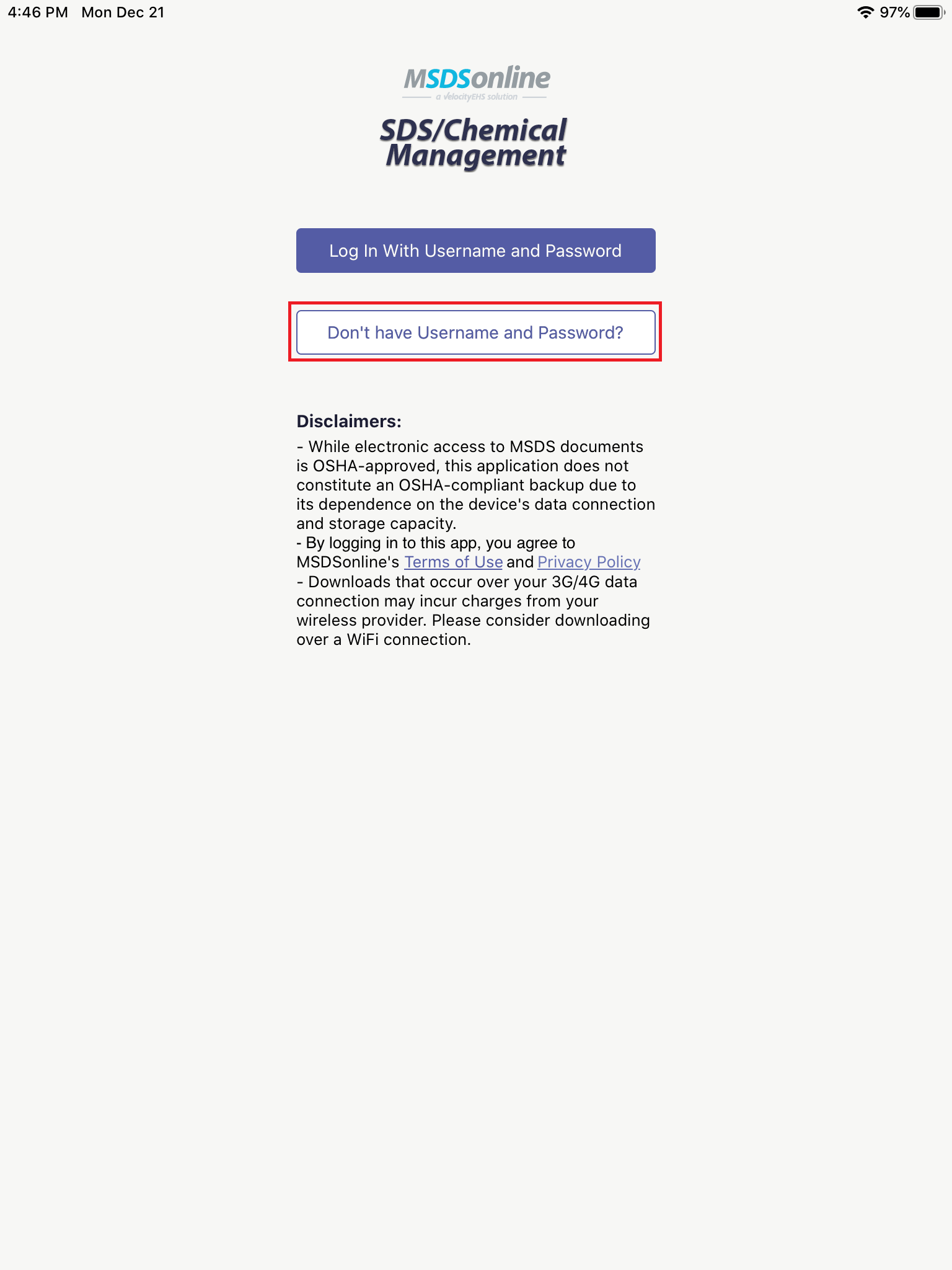
- Tap on Don't have Username and Password?.
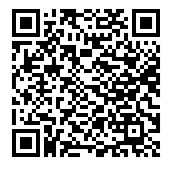
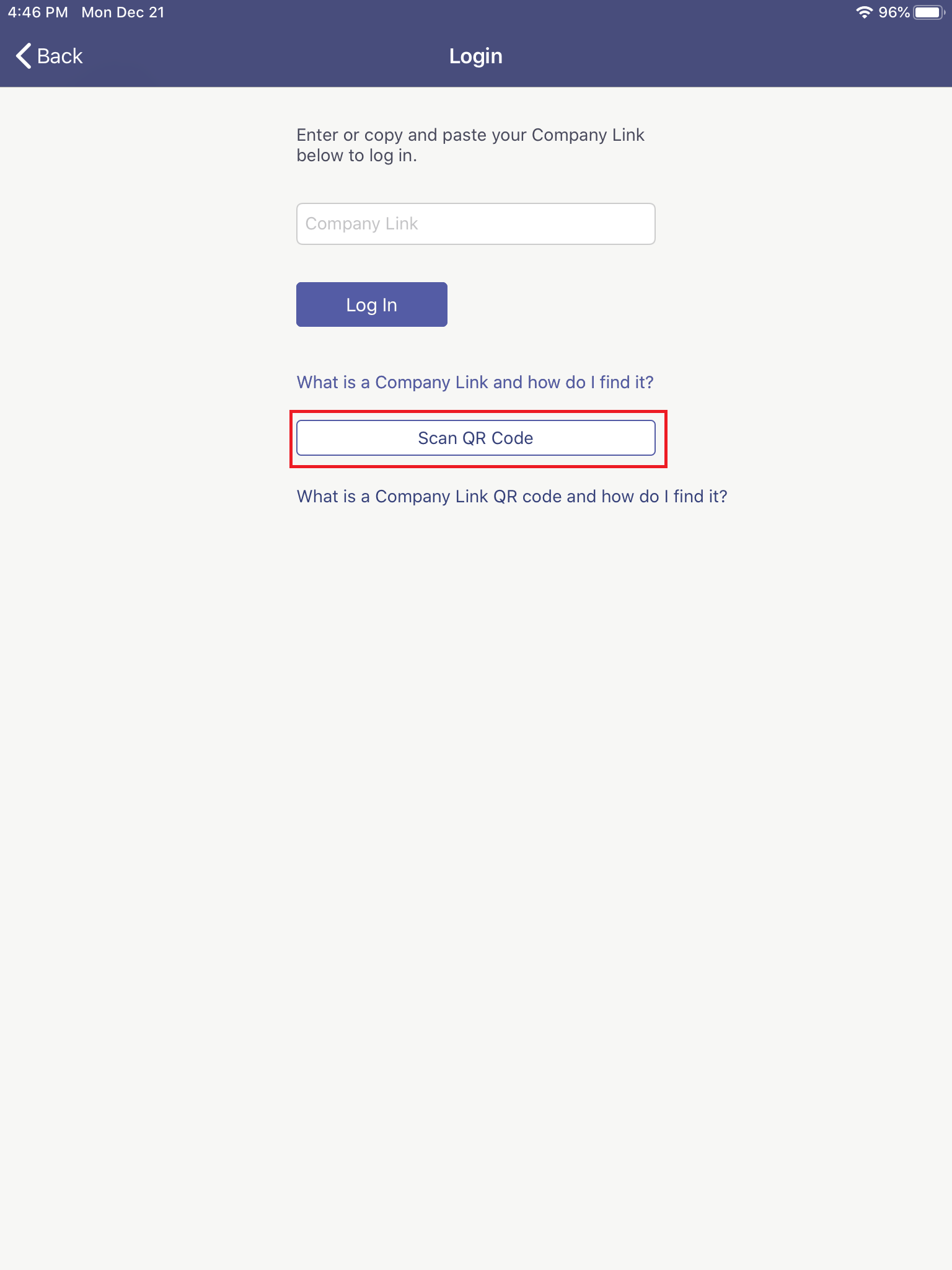
- For this section, you're going to need another screen, or the code printed on paper, to scan the QR code. Tap Scan QR Code button and use the QR Code at the top of this page, or copy and paste the following link in the "Company Link" field:
https://msdsmanagement.msdsonline.com/company/92b119fa-5c49-4ad4-b2ea-ef33a5648dfe
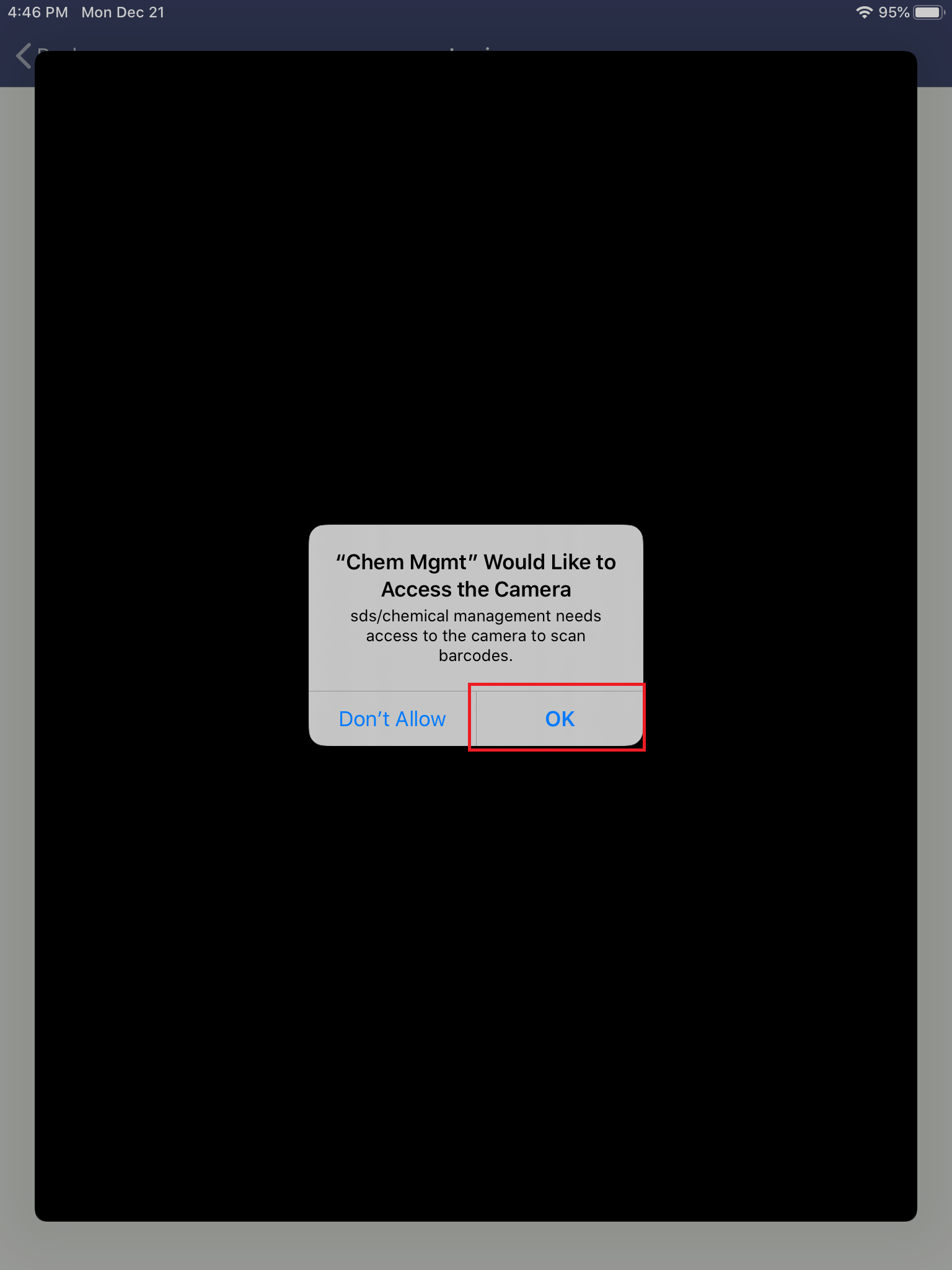
- If you're scanning the QR code, tap OK to let Chem Mgmt use your camera.
- You can swipe to learn more about the app, or you can skip to get straight into Chem Mgmt.