


Microsoft Teams for Android: Notifications aren't working

Nov 05, 2020
 136
136
If you receive the following warning message on your mobile device, please try the steps shown below.
|
WARNING MESSAGE: "Notifications aren't working because background activity is restricted. Change Settings" 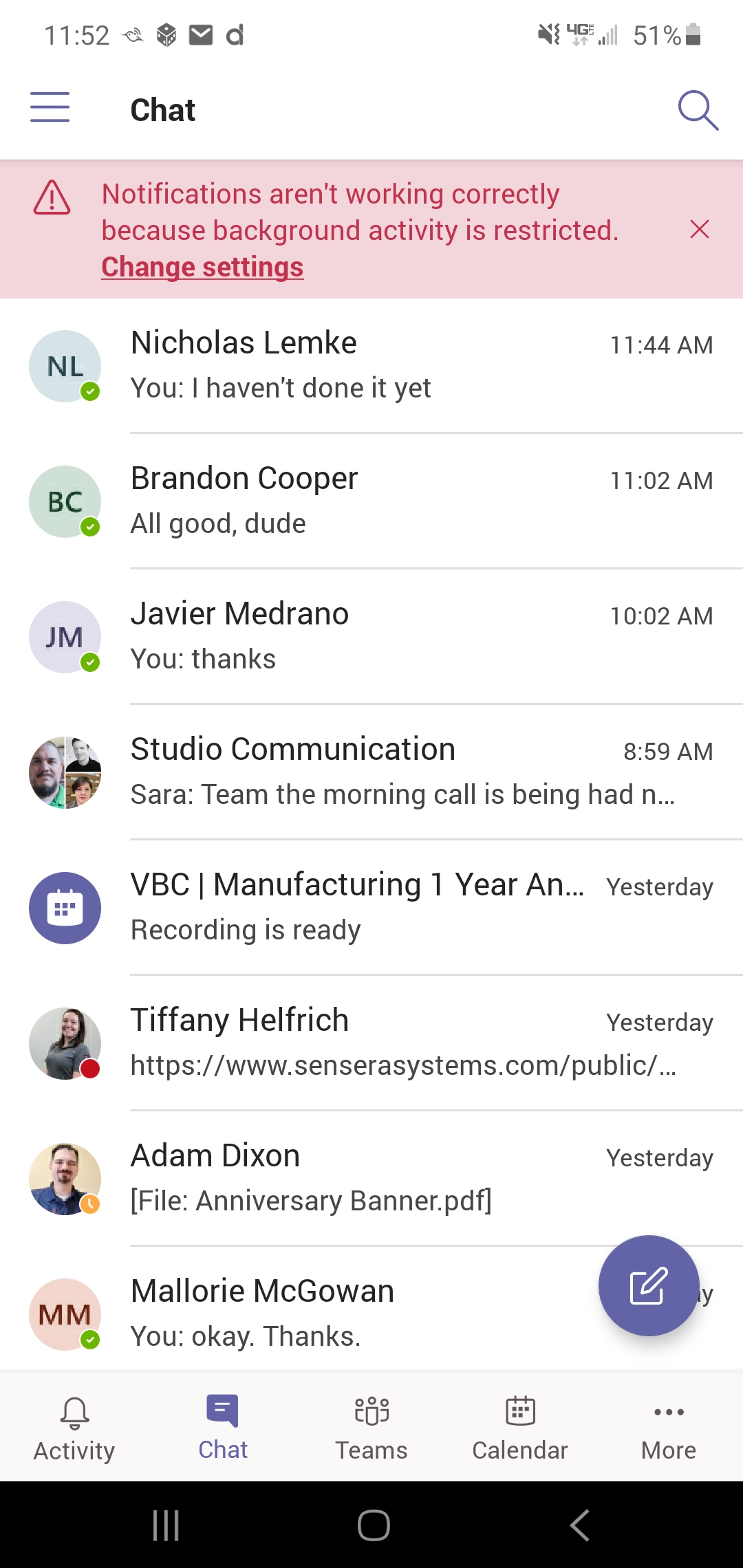 |
Try these steps to resolve issue:
- Go to Settings > Apps > Teams
- Once under Teams find the Battery settings
- Under Battery Settings find the setting that reads: "Enable Allow Background Activity"
This typically resolves this issue.

