



 124
124
BIM 360 Account Access:
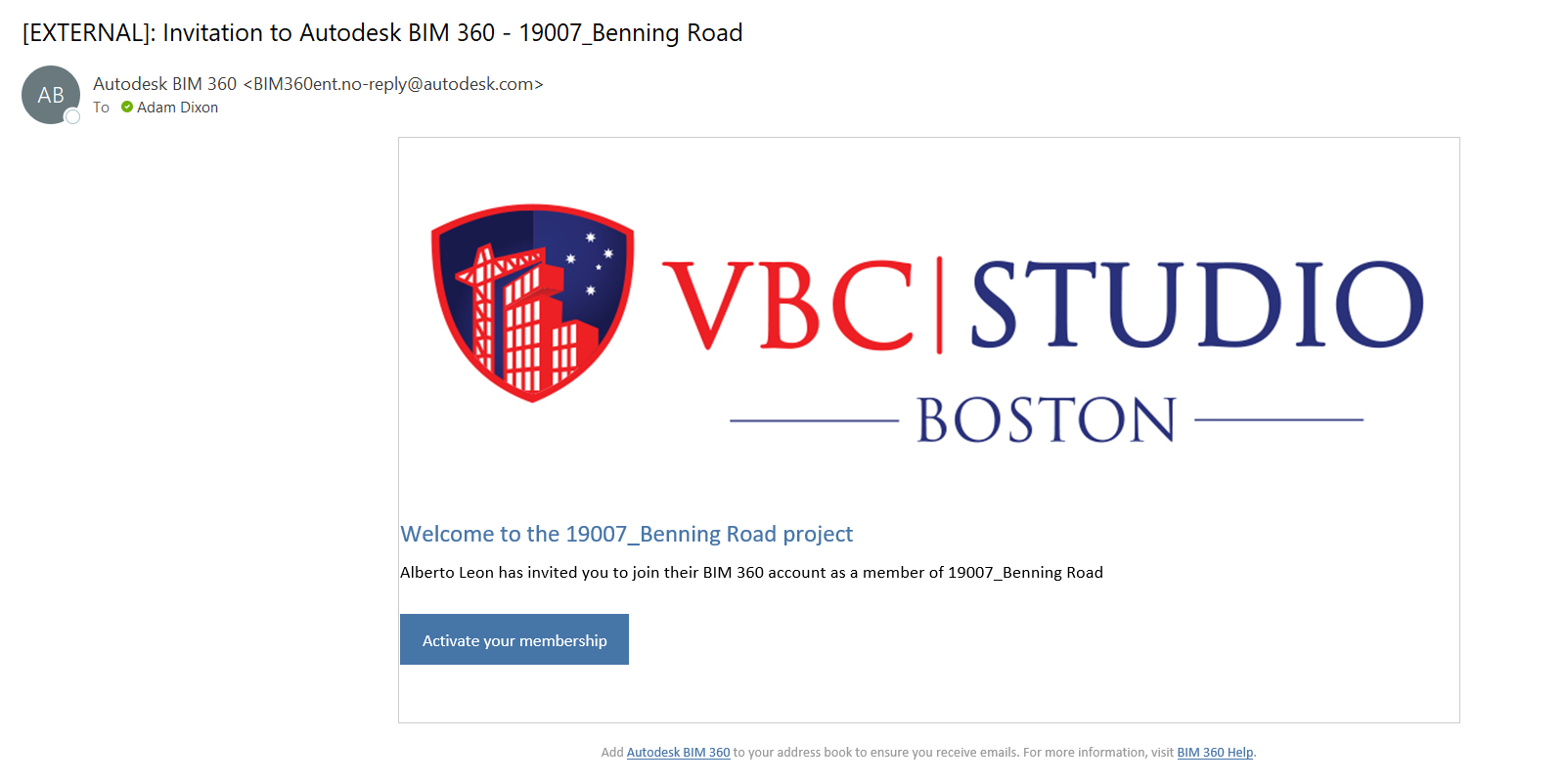
When a user is initially setup on BIM 360 Docs, an email is sent out with a link/button which allows the user to activate the account.
PLEASE NOTE: There is an expiration date on these activation emails, so they must be activated as soon as you recieve it, otherwise it will cause issues with the setup and your account may have to be setup again on the back end.
See screenshot below:
 |
BIM 360 Future Projects:
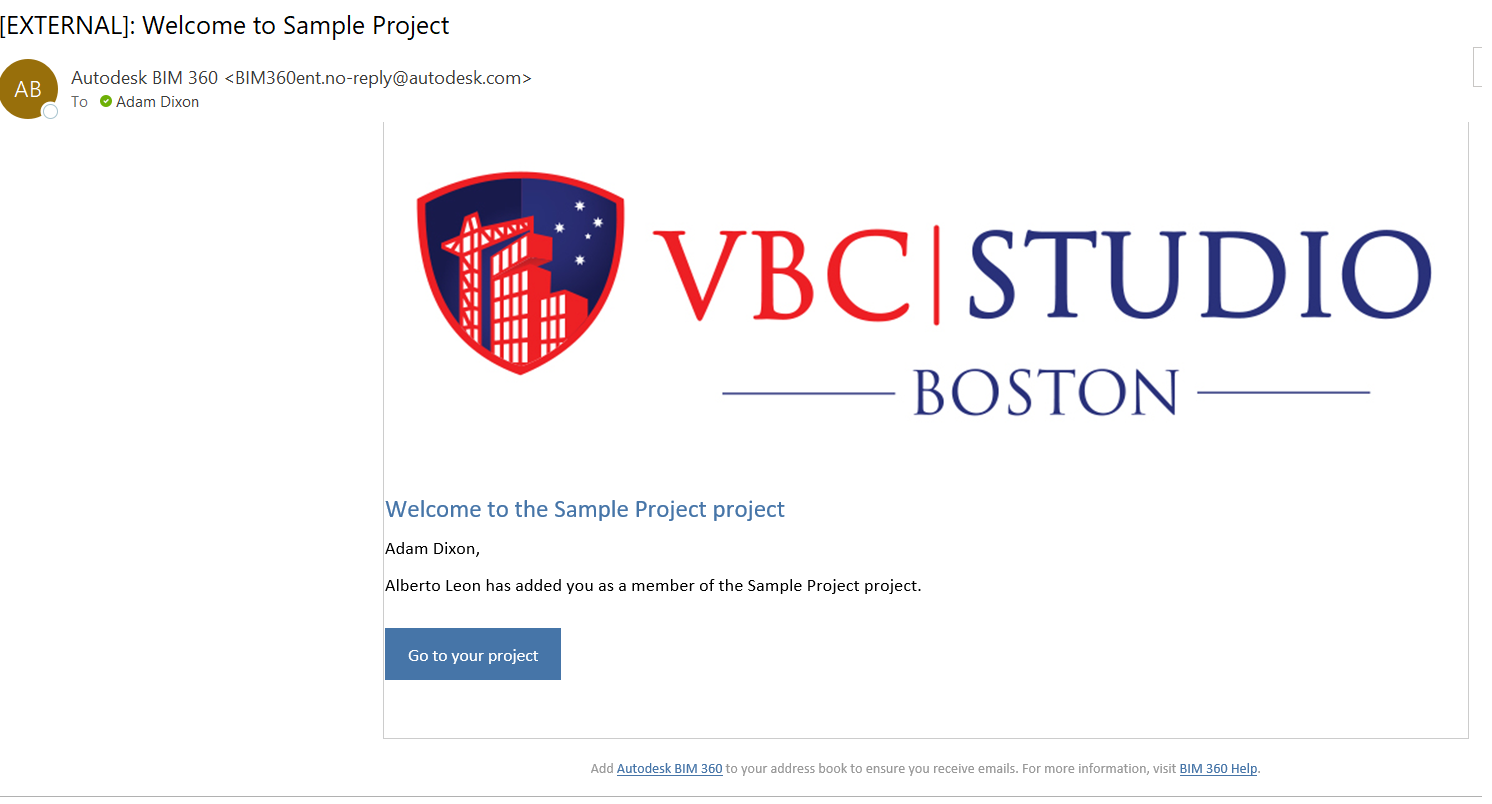
After you have activated your BIM 360 Docs account, you will noticed other emails for Projects. NOTE: You MUST activate these Projects by clicking on link/button in each email.
Any Future Projects that are sent to your email, you MUST always click on the link/button which may say "Go To Project."
 |
IMPORTANT: It is suggested to ALWAYS click on the link/buttons in any of the Autodesk BIM 360 emails, so that the projects Activate/Register properly on your BIM 360 account.

